

An assisted living phone system is more than a way to make calls. In a senior living community, the phone system supports resident care, family communication, vendor coordination, and emergency planning. When phone service fails, staff members may struggle to contact one another, receive calls, forward calls, or reach emergency services quickly.
That is why assisted living facilities and long-term care facilities need a business continuity phone system, not just a typical landline or basic traditional phone setup.
The right phone system helps teams stay connected during outages, equipment failures, severe weather, internet service disruptions, or emergencies. Nurse Call System Integration automatically routes alerts to staff devices.
Modernization does not have to happen all at once. Simplicity VoIP helps communities evaluate current communication infrastructure and choose communication solutions that protect daily operations while reducing disruption.
Why Phone Reliability Matters in Senior Living
In senior living, communication affects safety and confidence. Family members may call for updates. Residents may need help. Emergency personnel may need direct lines. Administrators may need to send outbound calls or reroute incoming calls during a disruption. If missed calls pile up, response times can suffer.
A reliable business phone system supports rapid response by helping the right person receive the right information at the right time. It also helps loved ones feel confident that someone can answer questions and connect them with care teams.
A good phone plan should address:
- Emergency calls
- Backup phone access
- Caller ID
- Call forwarding
- Home address records for emergency response
- Clear contact list
It should also consider hearing aid compatibility and whether each compatible device supports the needs of residents and staff. Hearing Aid Compatibility ensures phones meet FCC accessibility standards.
Large-button resident phones simplify the user experience, and minimalist menus and one-touch speed dial buttons also reduce confusion for users.
Community calendar integration can also enable automated event reminders for residents.
What Can Go Wrong with Older Phone Systems?
Traditional phone systems can still work, but they may depend on old phone lines, a single point of failure, or aging hardware.
A traditional phone connection may look familiar, yet it can be harder to scale, troubleshoot, and support than cloud-based solutions.
Common risks include unreliable phone lines, unclear ownership of a phone number, limited ability to work remotely, and no simple way to move calls to mobile devices.
Communities may also face higher costs from monthly taxes, carrier fees, repairs, and upfront costs for replacement equipment.
For instance, if a building’s internet connection fails, a VoIP phone may stop working unless backup connectivity is in place.
If an internet router or Wi-Fi network is not designed for voice services, call quality may suffer. If nurse call systems, alarms, elevators, fax machines, or resident phones still depend on legacy infrastructure, they need to be evaluated individually. Dedicated fire and elevator lines may require POTS replacement, while compatible analog phones may be able to remain in service through ATA or FXS gateways.
What Is a Business Continuity Phone System?
A business continuity phone system is designed to keep communication available when normal systems are disrupted.
For senior living, that may include cloud-based routing, backup internet, mobile phone access, direct lines, and documented procedures for emergency services.
Instead of relying on one building, one carrier, or one internet connection, a continuity plan gives the organization options. Staff can use multiple devices, forward calls to mobile devices, access phones from another location, or use a cloud-based system to manage call flow.
This is voice business continuity in practical terms. The goal is seamless communication. If the front desk cannot answer from the main office, calls can move to another person, department, or mobile phone. If the primary line fails, a backup phone system for senior living can help the community maintain the same level of access.
How Cloud-Based Solutions Help
Cloud-based solutions use Internet Protocol technology to deliver voice and communication tools through a data network. Compared with many traditional phone systems, a cloud-based system can offer more flexibility, easier management, and better continuity options.
Multi-building support allows centralized administration and easy expansion.
With the right features, teams can answer calls from office phones, a mobile phone, or other mobile devices. They can forward calls, update routing, review missed calls, and support staff who need to work remotely.
This is especially helpful when weather, staffing changes, or building issues affect normal operations.
A modern system may also include essential features such as caller ID, voicemail-to-email, call forwarding, auto attendants, direct lines, reporting, and management tools. Voice assistants enable hands-free calling for residents with limited mobility, and AI receptionist features may include bilingual handling and video calling.
Security systems with HD video cameras can also allow verification of visitors.
These capabilities help communities connect departments, shorten response times, and keep families informed.
What About Backup Connectivity?
A backup phone strategy should start with the network. If cloud voice depends on internet service, then backup connectivity matters. Simplicity VoIP can help evaluate whether your internet connection, internet router, Wi-Fi, and carrier setup are ready for reliable voice services.
Backup options may include wireless failover, redundant circuits, or routing rules that move calls if equipment failures occur. The point is not to overbuild the system. The point is to protect key areas where downtime could affect resident care, front desk coverage, or emergency communication. Reliable phone systems should have uptime guarantees and battery backup.
For some communities, POTS replacement may be needed for dedicated fire, elevator, security, or fax lines that still rely on legacy copper service. Other analog phones may not need to be replaced at all. Using ATA or FXS gateway devices, existing analog phones can be connected to a modern VoIP platform through an analog step-down approach.
Depending on the existing infrastructure, a community may ultimately use a combination of POTS replacement, analog step-down, SIP trunking, cloud phone systems, and wireless backup as part of a broader hybrid communications strategy.
How to Choose the Right Phone System
Choosing the right phone system starts with a practical review of the whole process. Do not begin with products. Begin with business continuity, resident care, and daily workflows.
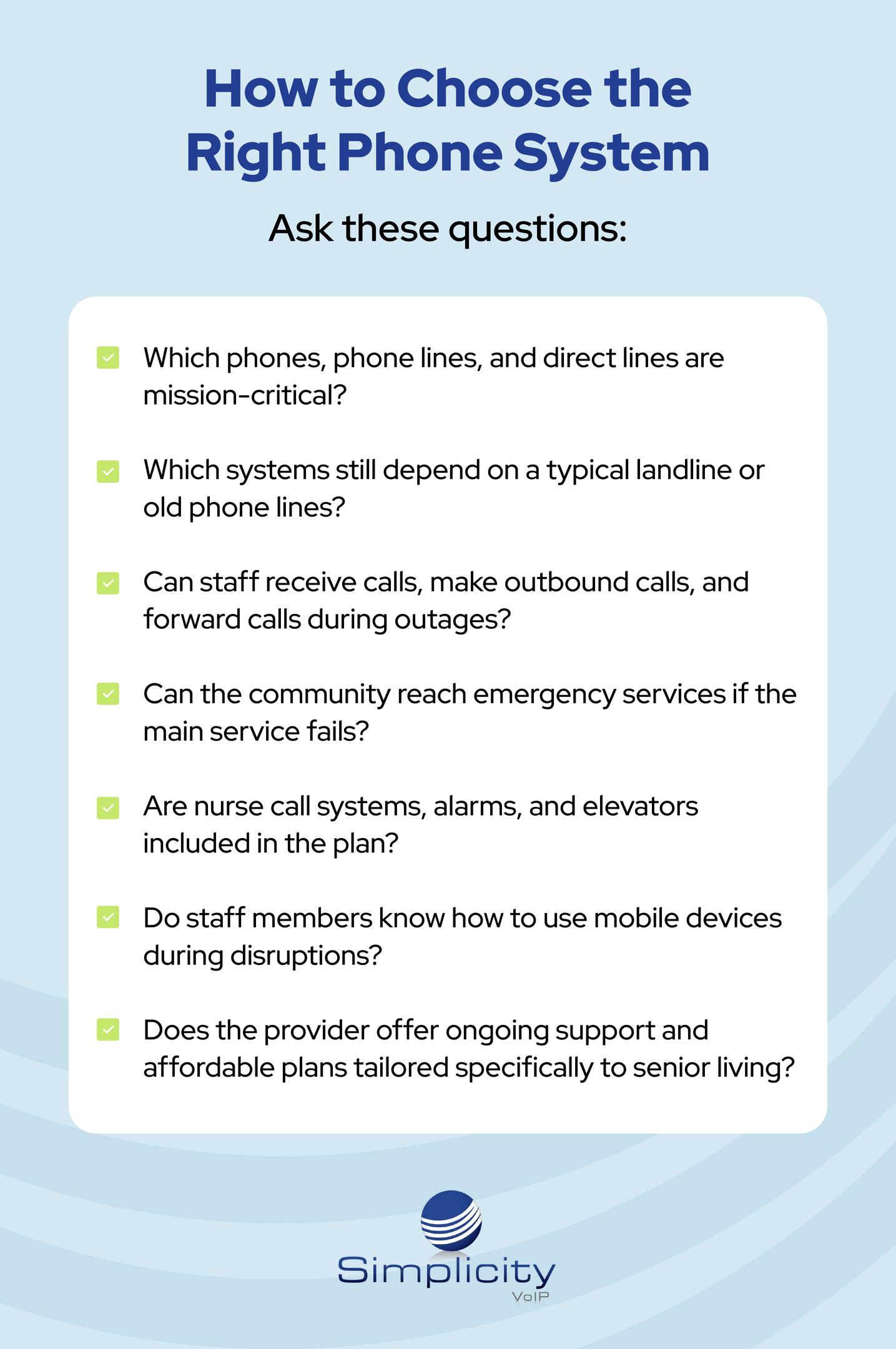
Ask these questions:
- Which phones, phone lines, and direct lines are mission-critical?
- Which systems still depend on a typical landline or old phone lines?
- Can staff receive calls, make outbound calls, and forward calls during outages?
- Can the community reach emergency services if the main service fails?
- Are nurse call systems, alarms, and elevators included in the plan?
- Do staff members know how to use mobile devices during disruptions?
- Does the provider offer ongoing support and affordable plans tailored specifically to senior living?
- Which critical lines require POTS replacement?
- Which existing analog phones can remain in service through ATA or FXS gateways?
The right provider should help you identify the right features for today while keeping future needs in mind.
Why Training and Support Matter
Even the best communication tools need a clear plan. Communities should train staff on how to answer emergency calls, update routing, use a backup phone, access the contact list, and escalate issues to management. When staff understand the system, they can respond faster and reduce confusion.
Training is also important because residents and families depend on consistency. When seniors lose access to communication or cannot reach the front desk, anxiety can rise quickly. A strong plan helps everyone know what to do.
FAQ: Assisted Living Phone Systems
What is the best assisted living phone system?
The best assisted living phone system is one tailored specifically to the community’s layout, staffing model, devices, internet service, and continuity needs.
Can a cloud system replace a home phone style setup?
Yes, but every analog device should be evaluated first. Some existing resident phones can remain in place through ATA or FXS gateway technology, which converts their analog signals into VoIP streams. A hybrid phone system may combine these analog step-down connections with cloud phones, POTS replacement for critical legacy lines, and modern VoIP services.
Does VoIP work during outages?
VoIP can work during outages when designed with backup connectivity, call routing, and mobile access. Without those protections, any phone service can become vulnerable.
Build a Safer Communication Foundation
A reliable assisted living phone system helps residents, families, and employees stay connected when it matters most. Simplicity VoIP can help evaluate your current systems, reduce risk, and build a phased modernization plan around your community’s needs.
Ready to strengthen your communication strategy? Request a Quote

.jpg?width=352&name=sigmund-EJe6LqEjHpA-unsplash%20(1).jpg)