


It’s easy to overlook the phone system in a world full of live chat, email, and customer portals. Here’s the truth, though: when something matters, people still want to talk to a real person.
In fact, almost 80 percent of customers still prefer to speak with companies by phone, especially for urgent support issues. But (and yes, there is a but) only if they don’t have to repeat themselves or wait on hold forever to talk to a person.
That’s where a good business VoIP system comes in.
If it's equipped with the right advanced VoIP features, you can make every call faster, smarter, and way less frustrating for your customers.
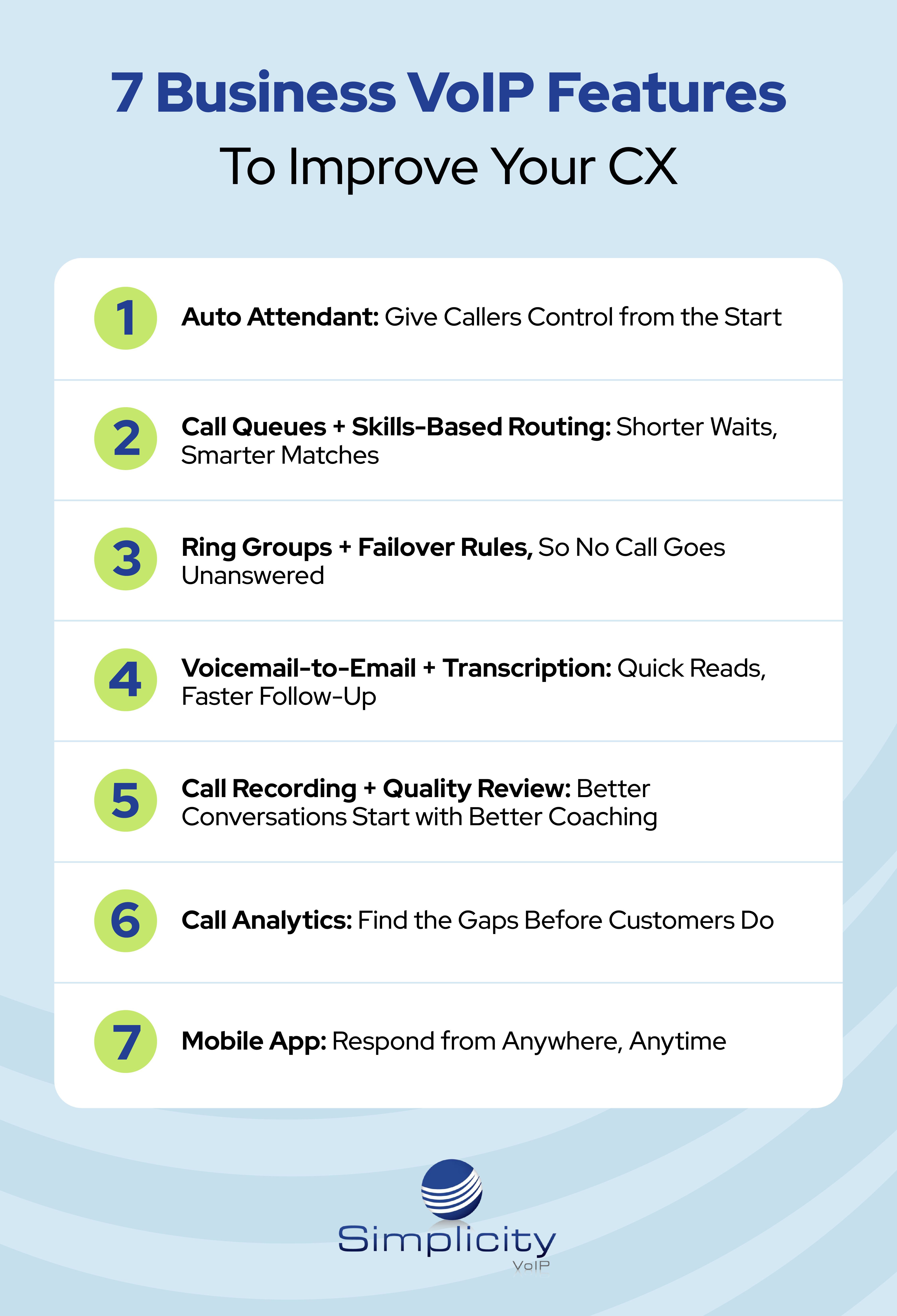
This guide walks through the seven essential features you need to improve (and maintain) customer satisfaction. Each is designed to address a specific frustration your callers may face, such as getting stuck in a loop, waiting too long, or talking to the wrong person.
Let's get to it.
1. Auto Attendant: Give Callers Control from the Start
Picture this: a customer calls in, but instead of being stuck on hold or waiting for someone to manually transfer them, they hear a clear menu that lets them choose where to go. They press 1 for billing, 2 for tech support, or 3 for Spanish. They’re on the right path in seconds.
That’s what a good auto attendant does: it respects the caller’s time and gives them control.
Why this business VoIP feature improves CX:
-
Shortens wait time by automatically handling routine routing, even during high-volume hours
-
Reduces misrouted phone calls by letting customers select the department or language that fits their need
-
Creates 24/7 availability with after-hours menus and self-service options
The best part? You can customize call flows, hours, and menu options easily using the Simplicity Online Portal, so your phone system keeps up with your team structure.
2. Call Queues + Skills-Based Routing: Shorter Waits, Smarter Matches
We’ve all been there: waiting on hold, finally reaching someone, then getting transferred because it wasn’t the right person. That’s the kind of call handling that hurts customer trust.
Call queues hold a caller’s place in line, while skills-based call routing features ensure they connect with someone qualified to help.
Why this business VoIP feature improves CX:
-
Reduces transfers by routing customers directly to agents with the right expertise
-
Cuts repeat explanations by matching the caller to someone already familiar with their issue type
-
Improves resolution speed by sending high-priority or complex issues to your best-fit reps
It’s the kind of seamless experience people expect, and businesses can provide, with Simplicity VoIP. Our VoIP phone systems allow you to set up these logic-based rules quickly and easily, so customers feel like they landed in the right spot from the start.
3. Ring Groups + Failover Rules, So No Call Goes Unanswered
Let’s say the front desk is away from their phone, or your usual rep is on vacation. What happens when someone calls in?
With ring groups, multiple phones ring at once or in a set order. If no one answers, failover rules instantly route calls to another user, location, or voicemail.
Why this business VoIP feature improves CX:
-
Eliminates dead ends by ensuring every call has a backup plan if the first option doesn’t pick up
-
Improves first-call connection rates by giving customers multiple paths to reach someone
-
Keeps service consistent even during employee breaks, absences, or unexpected surges
These are call forwarding features that come standard with Simplicity VoIP setups. Plus, thanks to our set-it-and-forget-it ring strategies, your team can stay available without constant micromanaging.

4. Voicemail-to-Email + Transcription: Quick Reads, Faster Follow-Up
Voicemails often get buried, especially when they’re only accessible from a desk phone. And let’s be honest, not everyone checks them promptly.
Voicemail-to-email sends the message directly from your business phone system to a team member’s inbox, while voicemail transcription lets them scan the message instantly.
Why this business VoIP feature improves CX:
-
Speeds up response times by removing the need to call in and listen to voicemails manually
-
Improves accuracy by letting agents read the message word-for-word instead of relying on memory
-
Reduces dropped follow-ups by making voicemails easier to flag, forward, and track
Your customers shouldn’t have to wait for someone in the office to log in to get a callback. With Simplicity’s integrated voicemail tools, your team stays responsive no matter where they are.
5. Call Recording + Quality Review: Better Conversations Start with Better Coaching
Ever had a “he said, she said” moment on a call? Or wished you could go back and hear how an agent handled a tricky customer?
Call recording gives you that visibility. It’s not just for compliance. It’s an awesome coaching tool that helps teams get better and keeps conversations consistent.
Why this business VoIP feature improves CX:
-
Improves consistency by identifying what great business calls sound like and duplicating that across the team
-
Reduces errors by letting managers review and address issues before they escalate
-
Builds customer trust by helping teams stay aligned on tone, empathy, and accuracy
Recordings are secure and easy to manage in Simplicity’s platform, so you can stay in control of who can access them and why.
6. Call Analytics: Find the Gaps Before Customers Do
Your team might feel busy. Without data, though, it’s hard to tell when and where customers are waiting too long or dropping off.
Call analytics turns your phone system into a source of insight. You’ll see which hours are busiest, which teams are missing voice calls, and where bottlenecks are forming.
Why this business VoIP feature improves CX:
-
Helps eliminate long waits by matching staff schedules to real call volume patterns
-
Reduces repeat calls by showing where resolution times lag behind
-
Improves visibility so managers can adjust workflows before customers complain
Data like this isn’t just useful, it’s a CX safety net that your business needs. Simplicity VoIP puts these customer satisfaction insights right at your fingertips, so your team can stop guessing and start improving the customer experience with every call.
7. Mobile App: Respond from Anywhere, Anytime
In 2026, customers expect answers now, not when your rep gets back to their desk.
With Simplicity VoIP’s webphone and mobile apps, your team can answer calls, check voicemails, or respond to texts from their laptop, tablet, or mobile phone as long as they have a strong internet connection.
Why this business VoIP feature improves CX:
-
Eliminates missed incoming calls by letting reps securely access their business phone numbers from cell phones and other devices.
-
Keeps response times low during remote work, off-site meetings, or travel
-
Supports flexibility without compromising on professionalism or availability
Whether you're in the office, on-site, or just stepping out for coffee, your phone system should move with you. With Simplicity’s mobile-first approach, it does.
A Better Customer Experience Starts with Simplicity VoIP Phone Systems
It doesn’t take much for a customer to feel frustrated by a bad phone experience. However, with the right business VoIP, it’s just as easy to impress them.
That's where we come in.
Simplicity VoIP gives you the business communications tools to create a cloud phone system that works for your business and your customers. Everything’s easy to set up, manage, and adjust as you grow.
Ready to take your customer experience up a notch? Request a quote today, and let’s get started.